

Latest Version
Minh Tien To
Security
iOS
Free
1466804895
Report a Problem
More About Passaver: Password Manager
An Elegant Solution to Password Fatigue
In an era where every online service requires a unique login, keeping track of your credentials can feel like an impossible task. Passaver: Password Manager offers a secure, streamlined repository designed specifically for iOS users who want to safeguard their sensitive data without compromising on convenience. Developed by Minh Tien To, this utility addresses the core anxiety of modern digital life: protecting your private credentials from unauthorized access while keeping them easily accessible across your personal devices.
Flexible Security Tailored to Your Needs
Unlike rigid storage systems, Passaver: Password Manager introduces a tiered security model that adapts to the sensitivity of your stored information. By organizing your credentials into three distinct levels, you retain granular control over how your data is displayed:
- Low Security: Ideal for basic accounts that require quick access with minimal friction.
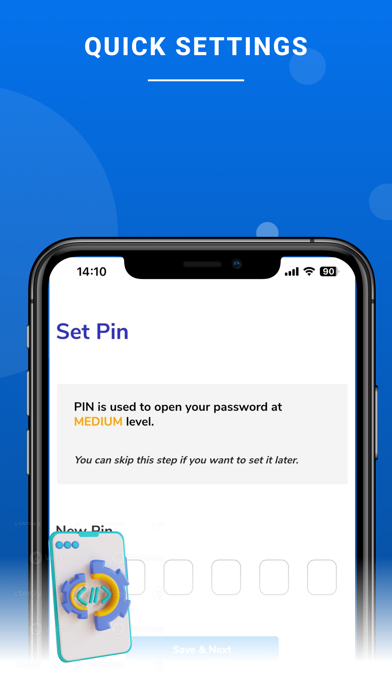
- Medium Security: Requires a dedicated PIN to reveal the password, adding an extra layer of defense for standard personal accounts.
- High Security: Demands an MPIN to view, ensuring that your most critical financial or personal credentials remain locked behind maximum encryption.
This tiered approach ensures that casual onlookers cannot glance at your screen to steal sensitive logins, yet allows you to retrieve less critical passwords with ease.
Robust Encryption and Cloud Synchronization
Security is the foundation of any reliable credential vault. Passaver: Password Manager encrypts your stored passwords alongside your PIN and MPIN. To ensure you never lose access when switching devices, your encrypted data is synchronized securely via the cloud. This allows you to retrieve your credentials across multiple iOS devices seamlessly.
Important Note: Because the application prioritizes absolute privacy, your PIN and MPIN are fully encrypted. The developer does not collect your personal information or usage history, meaning there is no backend recovery method. You must keep your PIN and MPIN in a safe place, as forgotten keys cannot be restored.
Key Features of Passaver
- Zero Data Collection: Your personal details and usage habits are never tracked or harvested.
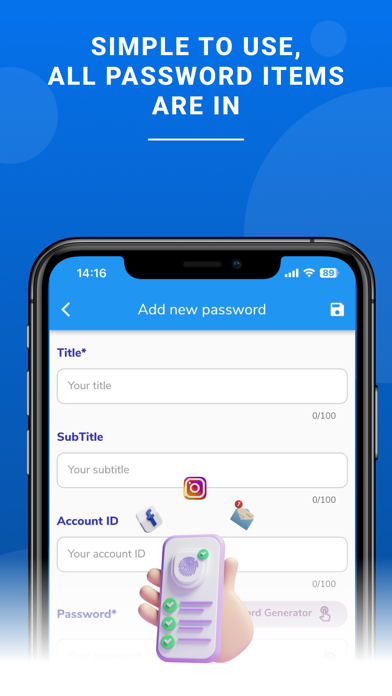
- Flexible Password Generator: Create strong, complex passwords on the fly to replace weak, reused credentials.
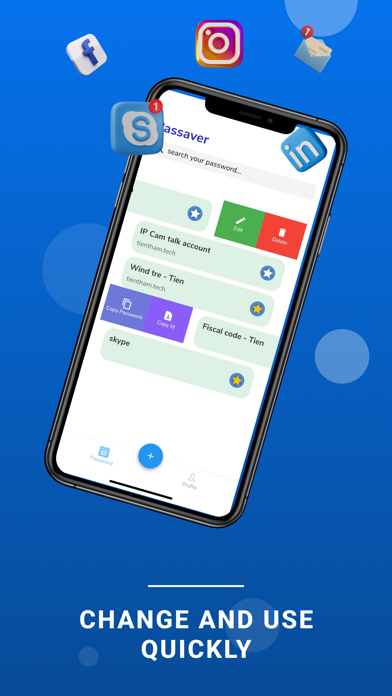
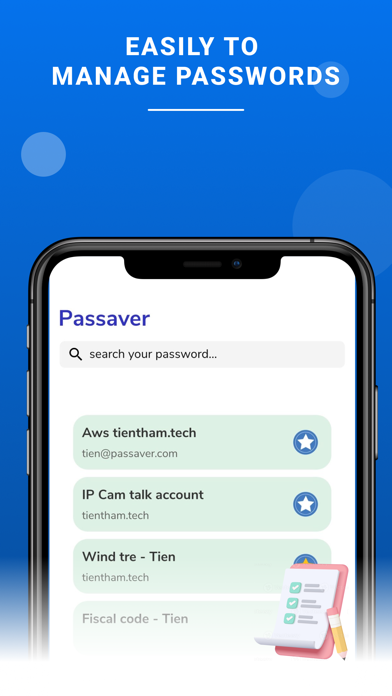
- Quick Search Functionality: Instantly find the exact login you need without scrolling through endless lists.
- Cross-Device Syncing: Keep your encrypted database updated across your authorized Apple devices.
Is Passaver Right for You?
If you are looking for a free, privacy-first security utility that gives you control over your local access methods, this app is an excellent candidate. Its commitment to user privacy and the customizable three-level security system make it a standout choice in the iOS security category.
To experience this secure credential vault firsthand, head over to the official Apple App Store to download Passaver: Password Manager for your iOS device today.
Rate the App
User Reviews
Popular Apps










Editor's Choice