

Latest Version
Wondeful Office
IT Tools
Windows
1.29
9ndwrtg22mrc
Report a Problem
More About Codepad Pro
Finding a lightweight, responsive code editor that handles multiple programming languages without sluggishness can be a challenge, but the Codepad Pro code editor delivers exactly that for Windows users. Developed by Wondeful Office, this streamlined development tool is designed for programmers, web developers, and system administrators who need a reliable environment to draft, review, and edit code on the fly.
A Single Editor for Dozens of Languages
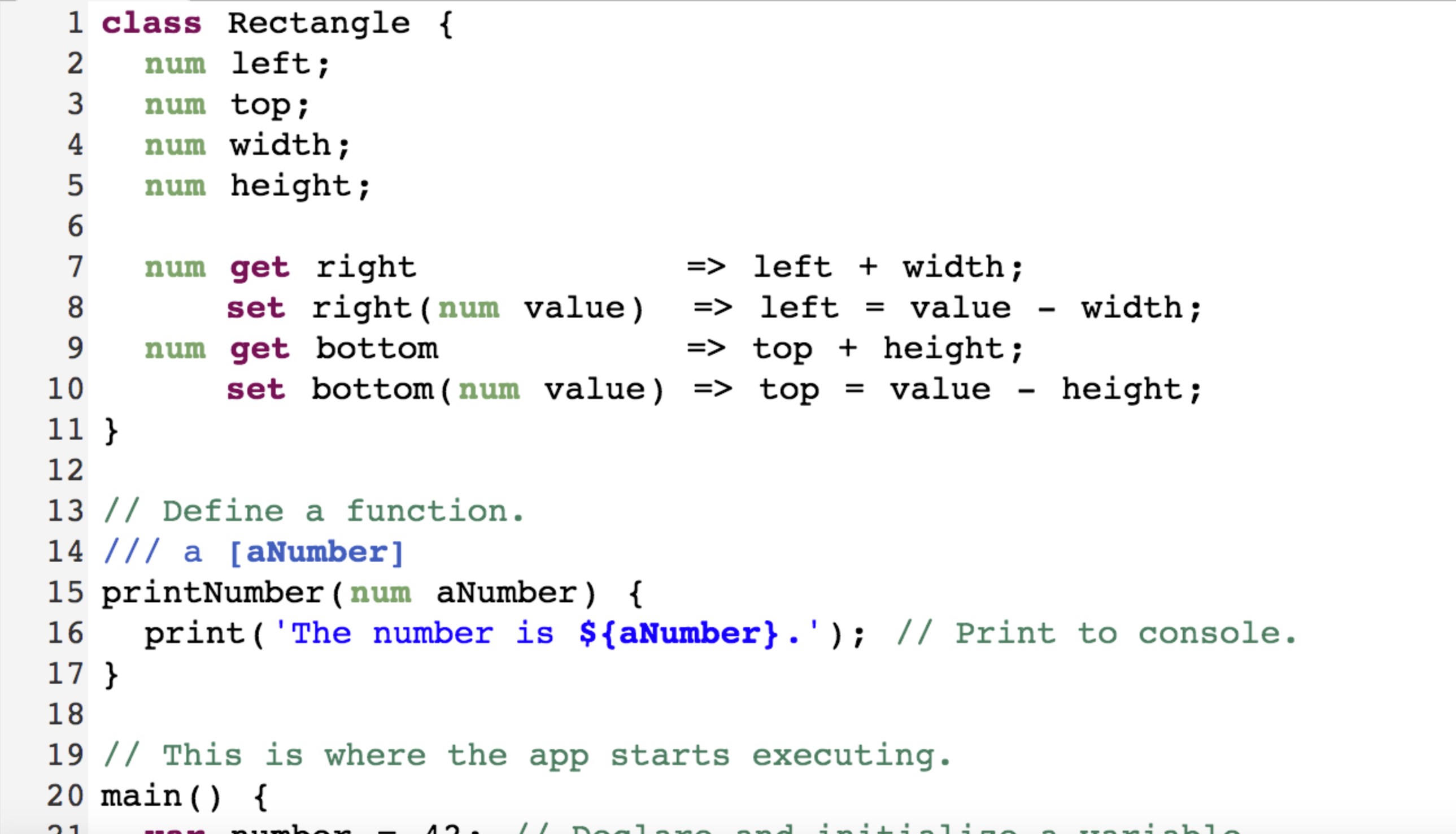
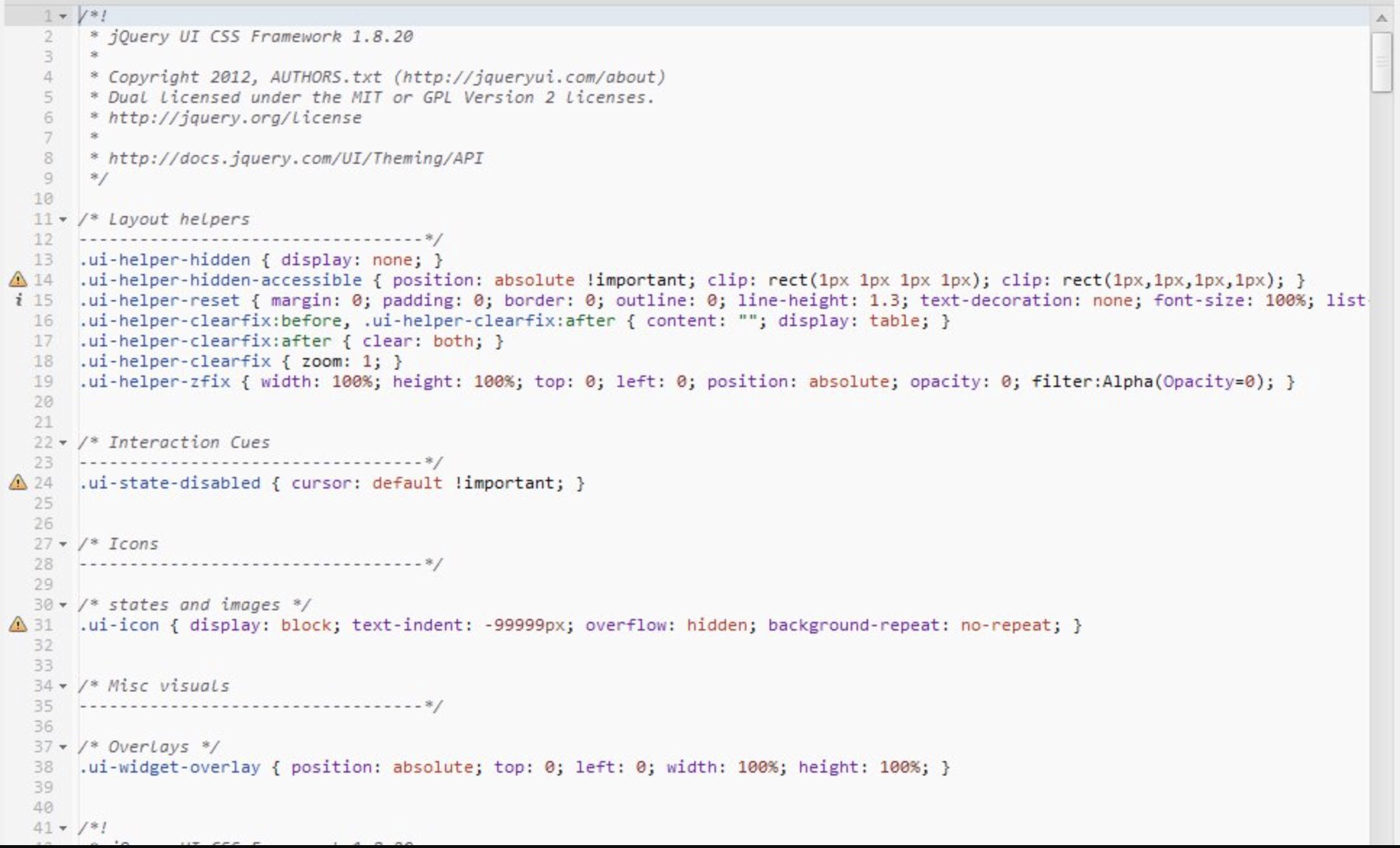
The standout feature of the Codepad Pro code editor is its broad, out-of-the-box syntax support. Instead of installing heavy IDEs or downloading countless plugins, developers can immediately open and edit files across a massive array of programming and markup languages. Whether you are scripting, styling, or structuring data, the application provides precise code highlighting for:
- Web Technologies: HTML, CSS, JavaScript, TypeScript, CoffeeScript, Less, SCSS, Handlebars, and Pug.
- Systems & General Programming: C, C++, C#, Java, Go, Kotlin, Swift, Python, Ruby, Rust, and F#.
- Data & Configuration: JSON, XML, YAML, Ini, and SQL.
- Shells & Automation: Batch, PowerShell, and Dockerfile.
Tailored Workspace Aesthetics
Writing code for hours requires an interface that is easy on the eyes. The Codepad Pro code editor addresses this with robust color theme customization. Users can modify the editor's visual environment to suit their personal preferences or lighting conditions, reducing eye strain during late-night programming sessions. The combination of clean typography, line numbering, and high-contrast color schemes makes parsing complex code structures straightforward and intuitive.
Who Is This Windows Editor For?
This utility fits perfectly into the toolkit of developers who require a quick-launching editor for rapid file modifications, code reviews, or script drafting. It bridges the gap between basic system text editors and massive, resource-heavy integrated development environments. If you frequently jump between different file formats and require consistent syntax highlighting without configuration hassle, this tool provides a highly efficient workspace.
Discover More Online
With its impressive language support and customizable interface, this application offers a polished, lightweight environment for daily development tasks. To explore its features further or to add it to your Windows setup, head over to the official Microsoft Store page to view the current listing.
Rate the App
User Reviews

Popular Apps










Editor's Choice