

Latest Version
Valerioedu
IT Tools
Windows
Free
9mzt1ndbcswk
Report a Problem
More About WinSCE
A New Standard for Windows 11 Code Editing
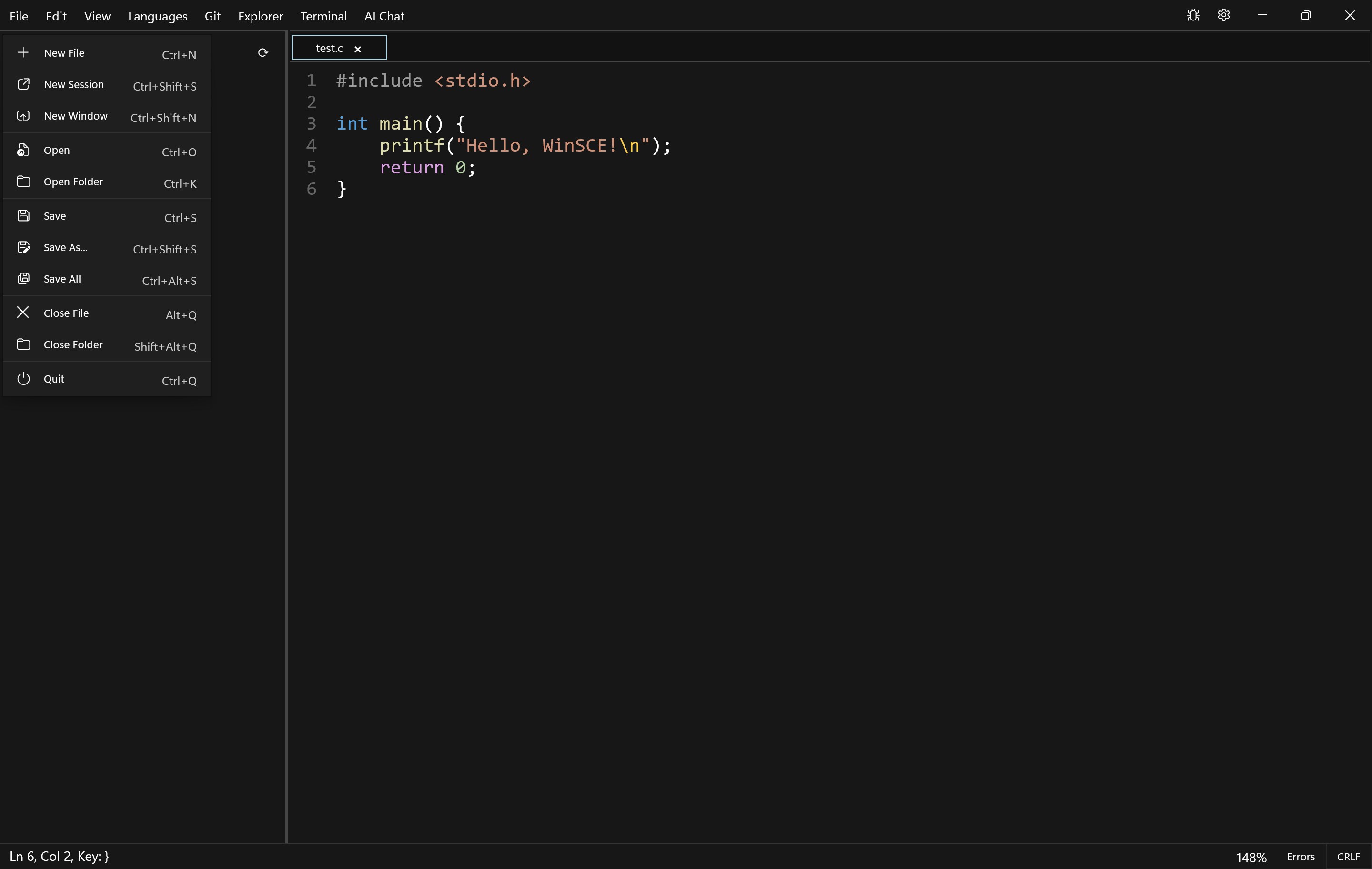
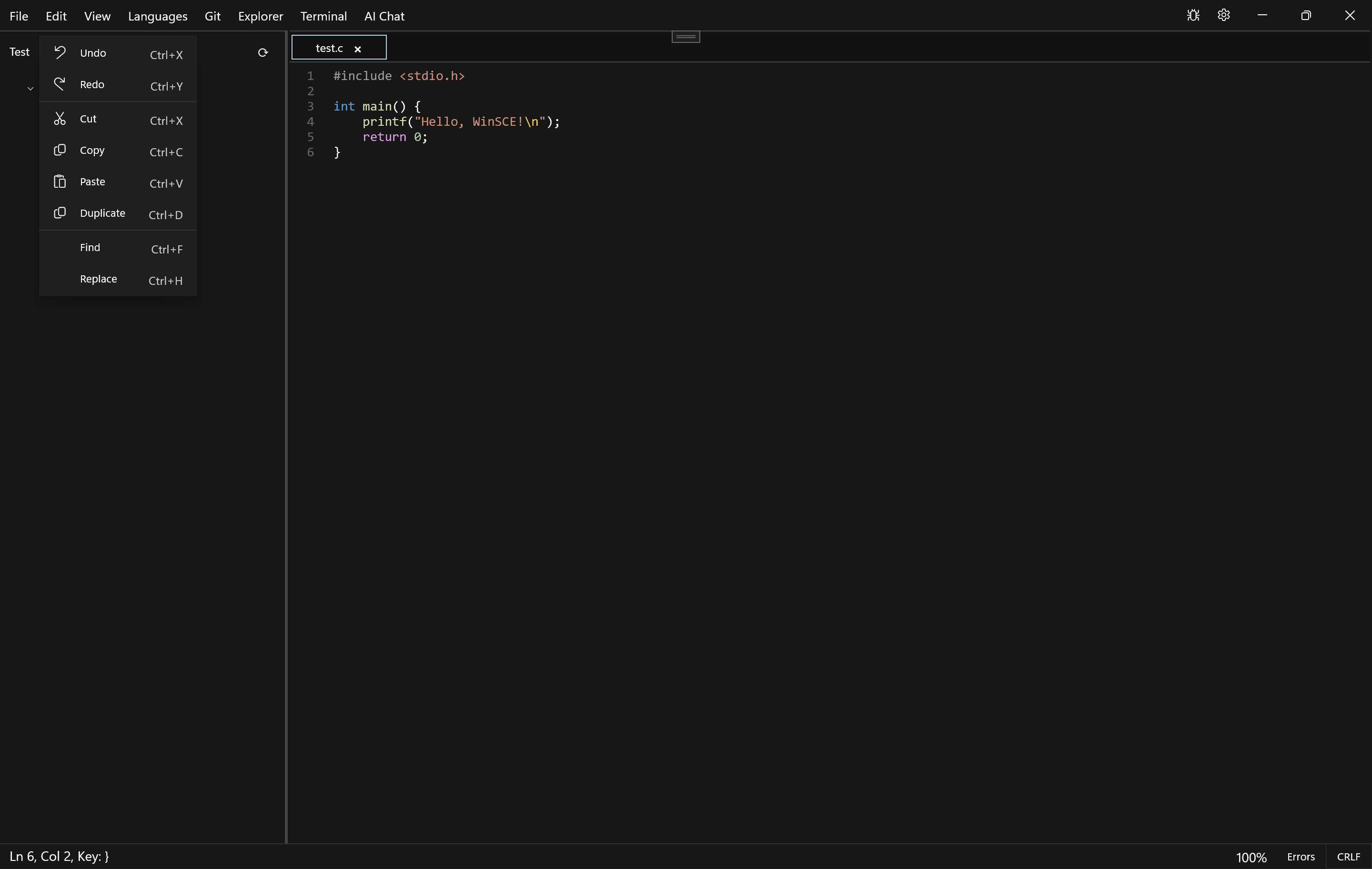
Finding a text editor that balances raw speed with modern development features can be a challenge. The WinSCE lightweight code editor addresses this exact need for Windows 11 users. Built natively using WinUI 3, this application delivers a remarkably fluid editing experience while keeping its memory footprint exceptionally low. Whether you are running a high-end workstation or a resource-constrained laptop, the interface remains snappy and responsive.
Out of the box, the editor provides robust syntax highlighting and language support for a diverse range of programming environments, including C, C++, C#, Java, Python, JavaScript, TypeScript, Go, and Rust. With helpful quality-of-life additions like automatic bracket closing and intelligent auto-indentation, it handles the tedious aspects of formatting so you can focus entirely on your logic.
Bring Your Own AI Assistant
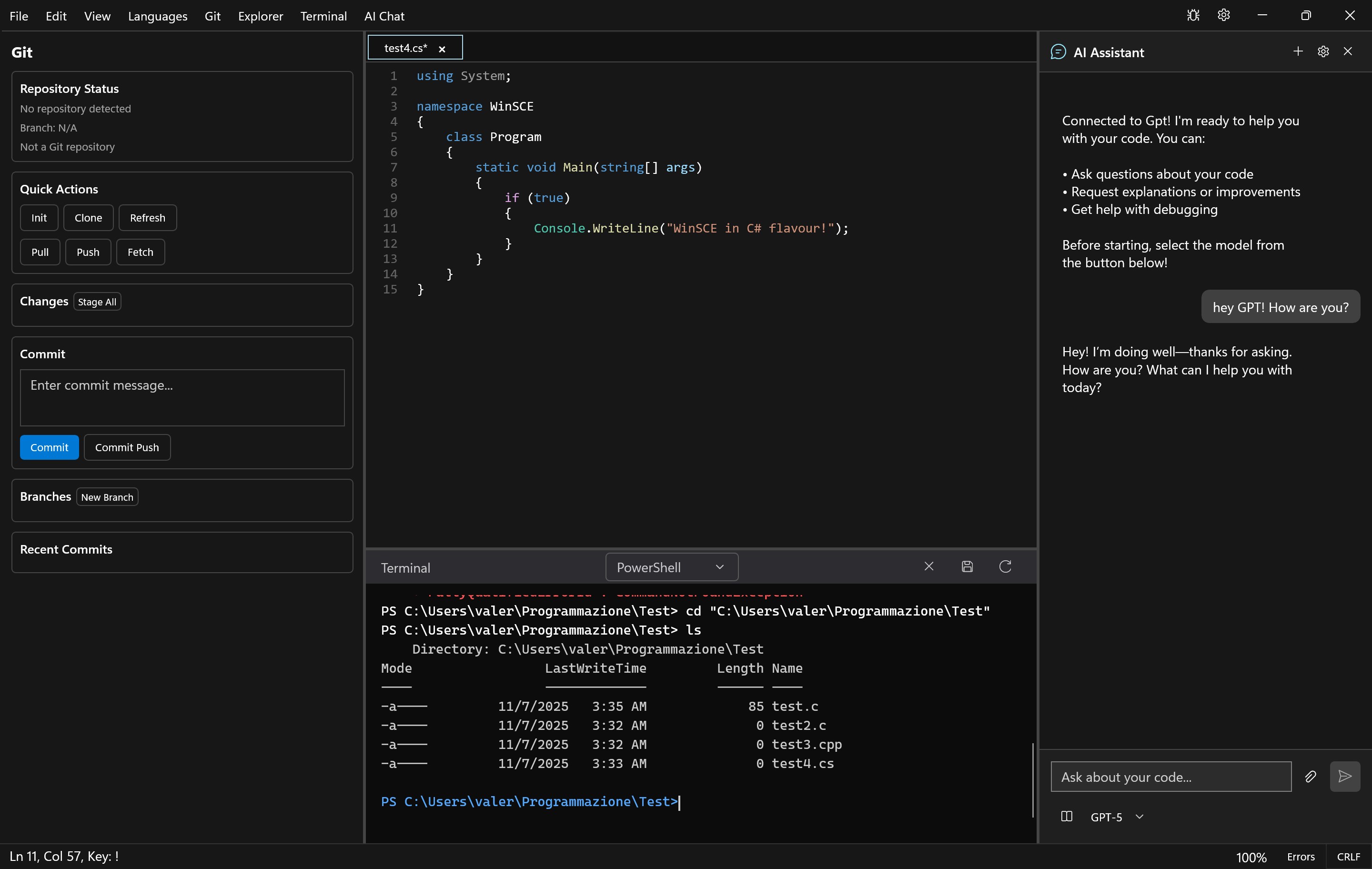
One of the most compelling aspects of the WinSCE lightweight code editor is its integrated AI coding assistant. Instead of locking you into a proprietary subscription, the app allows you to connect your own API keys for top-tier language models from OpenAI (such as GPT-4o, GPT-5, or o3-mini) and Anthropic Claude (including Opus 4.1 and Sonnet 4.5). This direct integration lets you request instant code explanations, generate unit tests, find bugs, or optimize algorithms directly inside your active document. Because the communication occurs directly between your computer and the AI provider, your prompts and keys are never intercepted or stored on third-party servers.
Unified Workspace and Git Integration
To keep you in your creative flow, this application eliminates the need to constantly alt-tab between different tools. Key workspace features include:
- Built-in Terminal: Access PowerShell and Command Prompt directly within the editor to run build scripts, manage dependencies, or execute tests.
- Visual Git Interface: Monitor your repository status in real-time, stage changes, write commit messages, manage branches, and push or pull updates without opening an external GUI.
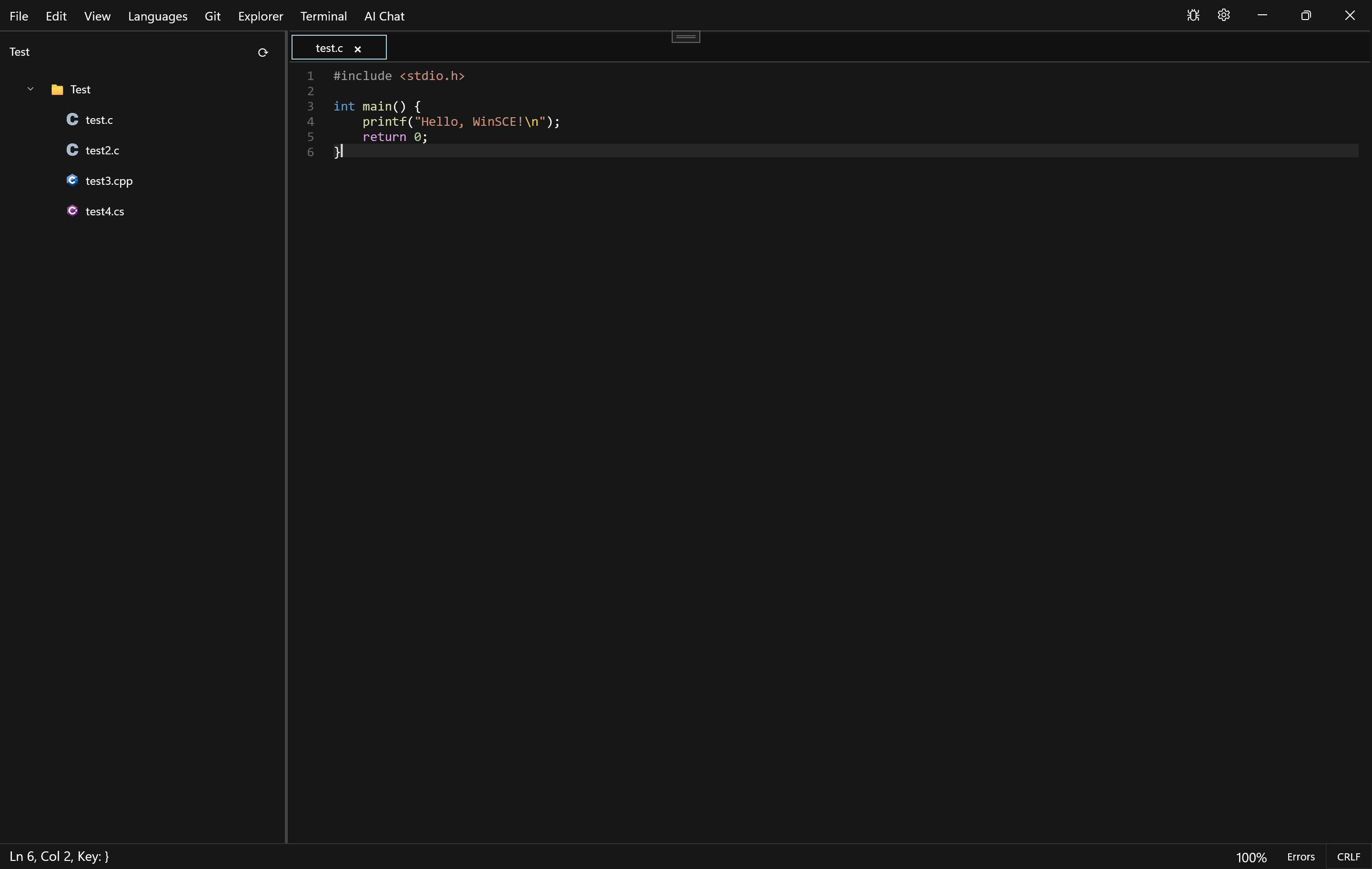
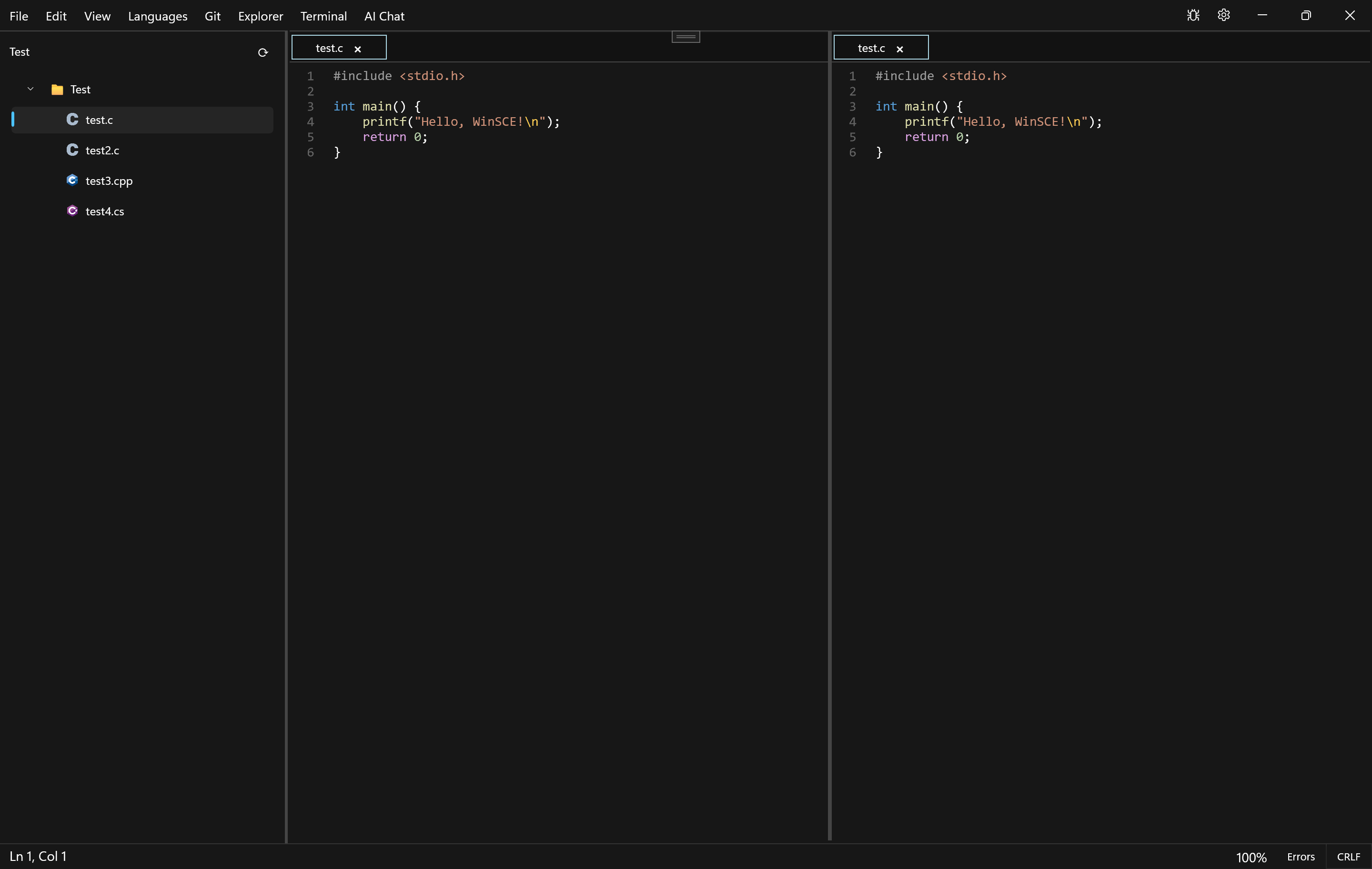
- Advanced File Management: Navigate your projects easily with an integrated folder explorer featuring file-type icons, drag-and-drop actions, and a convenient split-view mode for side-by-side editing.
Strict Privacy and Local Security
In an era of aggressive data harvesting, this tool stands out by prioritizing user privacy. There is no telemetry, no background analytics, and no remote data collection. Your files, configuration preferences, and API credentials remain stored securely on your local hardware, making it an excellent option for security-conscious developers and corporate environments alike.
Get Started with WinSCE
If you are looking for a fast, modern, and highly secure environment to write code on Windows 11, this application offers an outstanding feature set without the bloat of traditional IDEs. You can explore the full capabilities of the WinSCE lightweight code editor and add it to your development toolkit by visiting the official Microsoft Store page.
Rate the App
User Reviews

Popular Apps










Editor's Choice