

Latest Version
Dmitriy Borodiy
IT Tools
Windows
1.09
9ncxlrskpl9k
Report a Problem
More About Power Editor: Powerful Text & Code Editor
A Streamlined Workspace for Developers and Writers
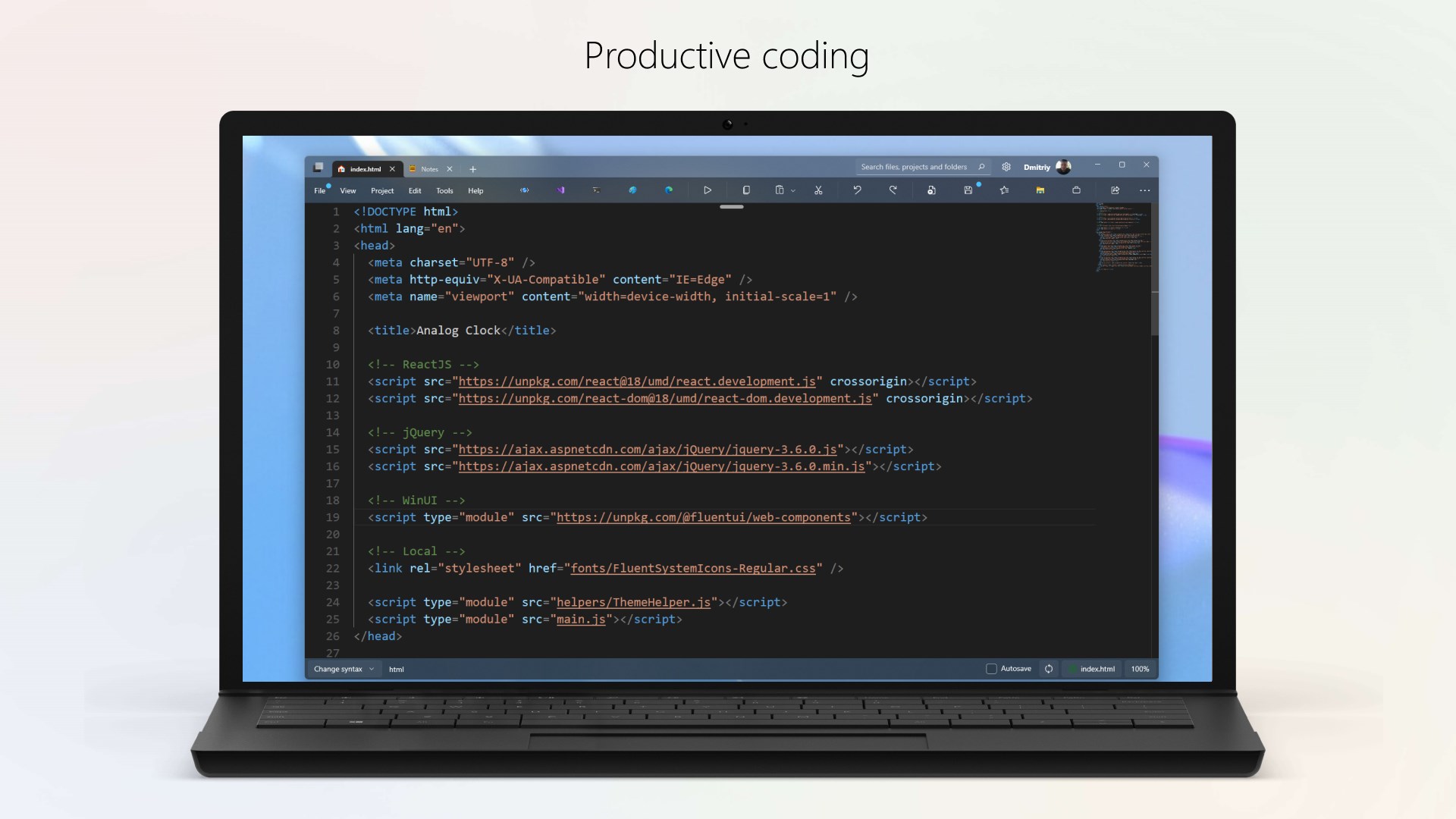
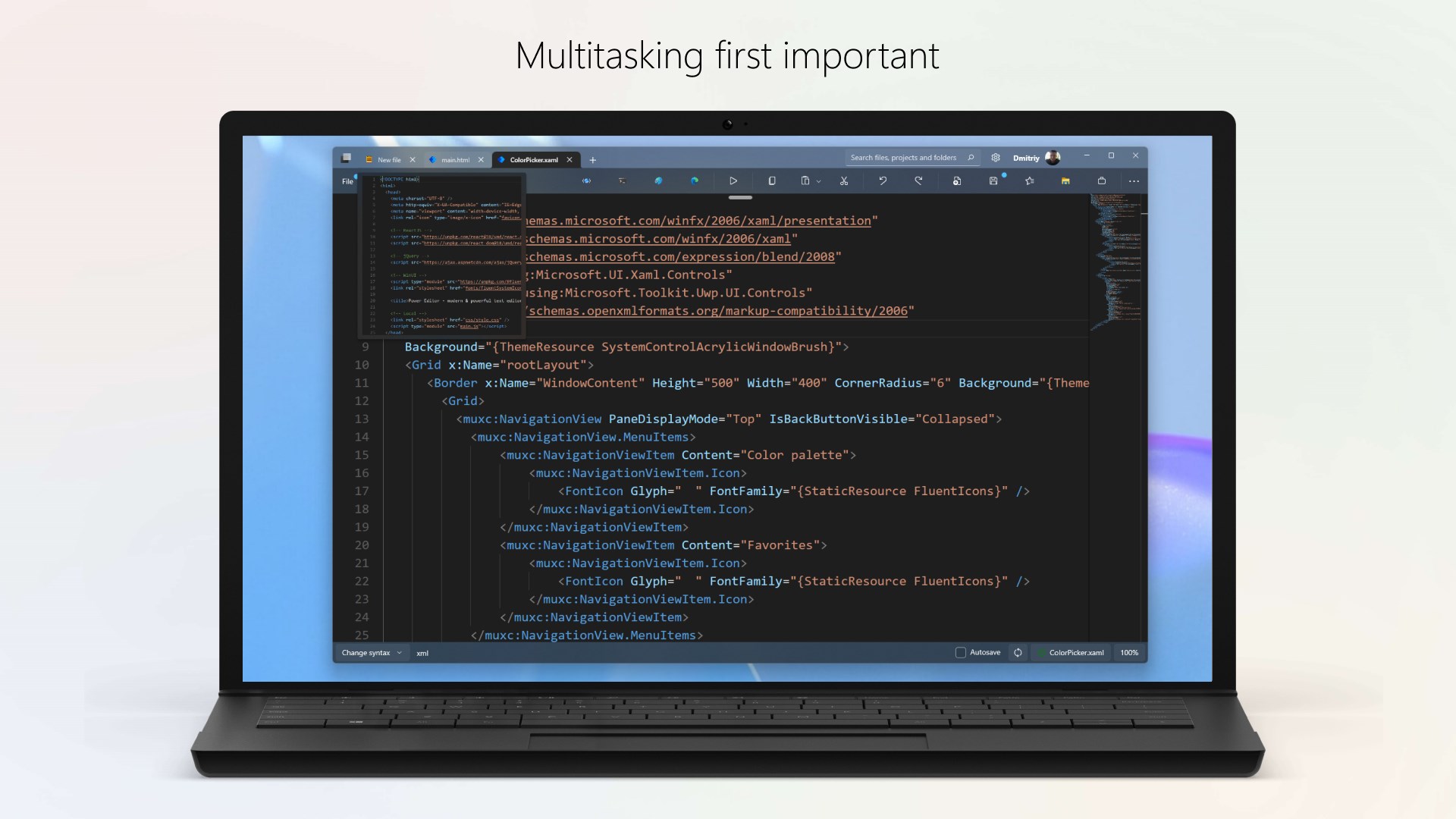
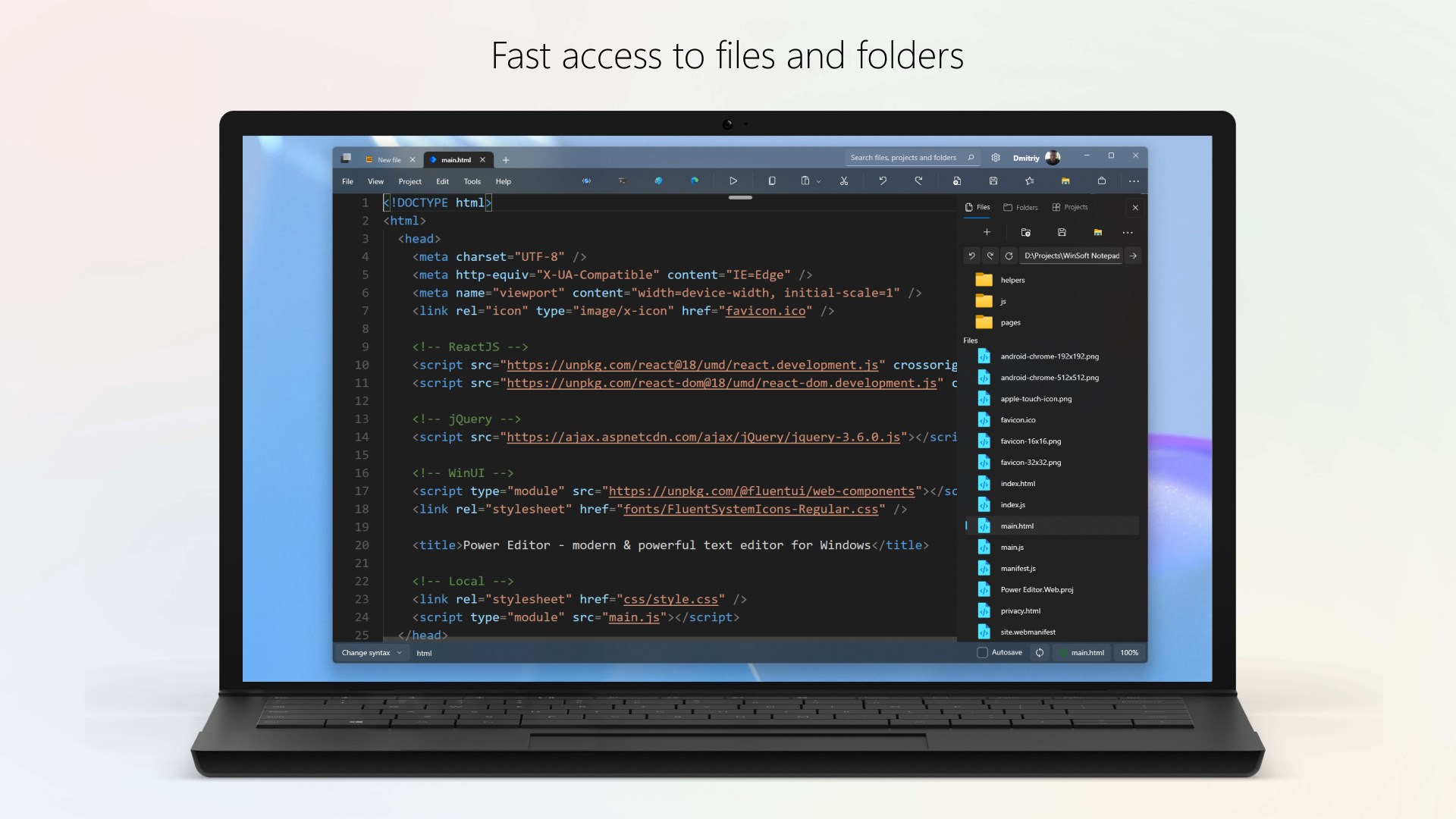
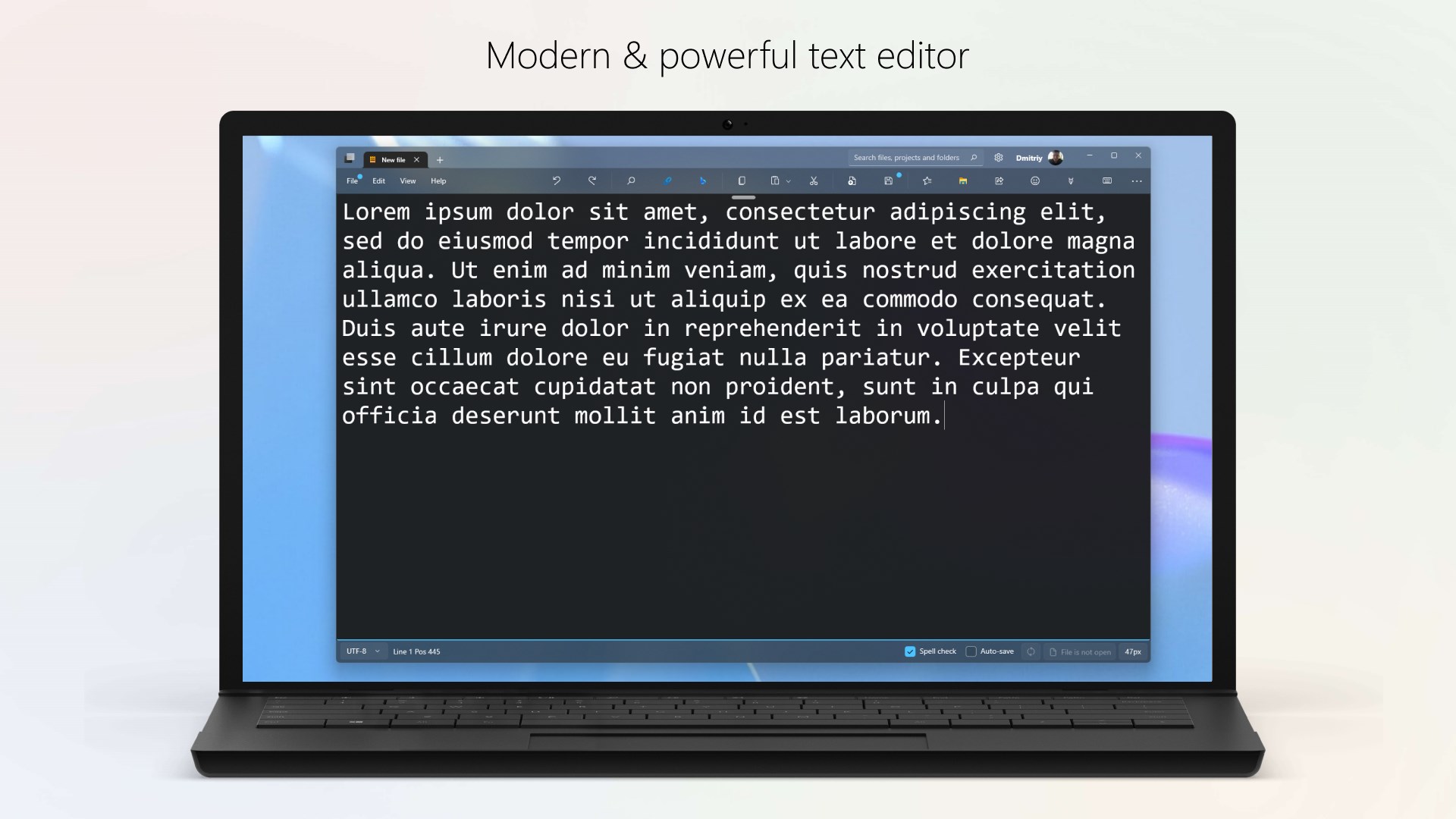
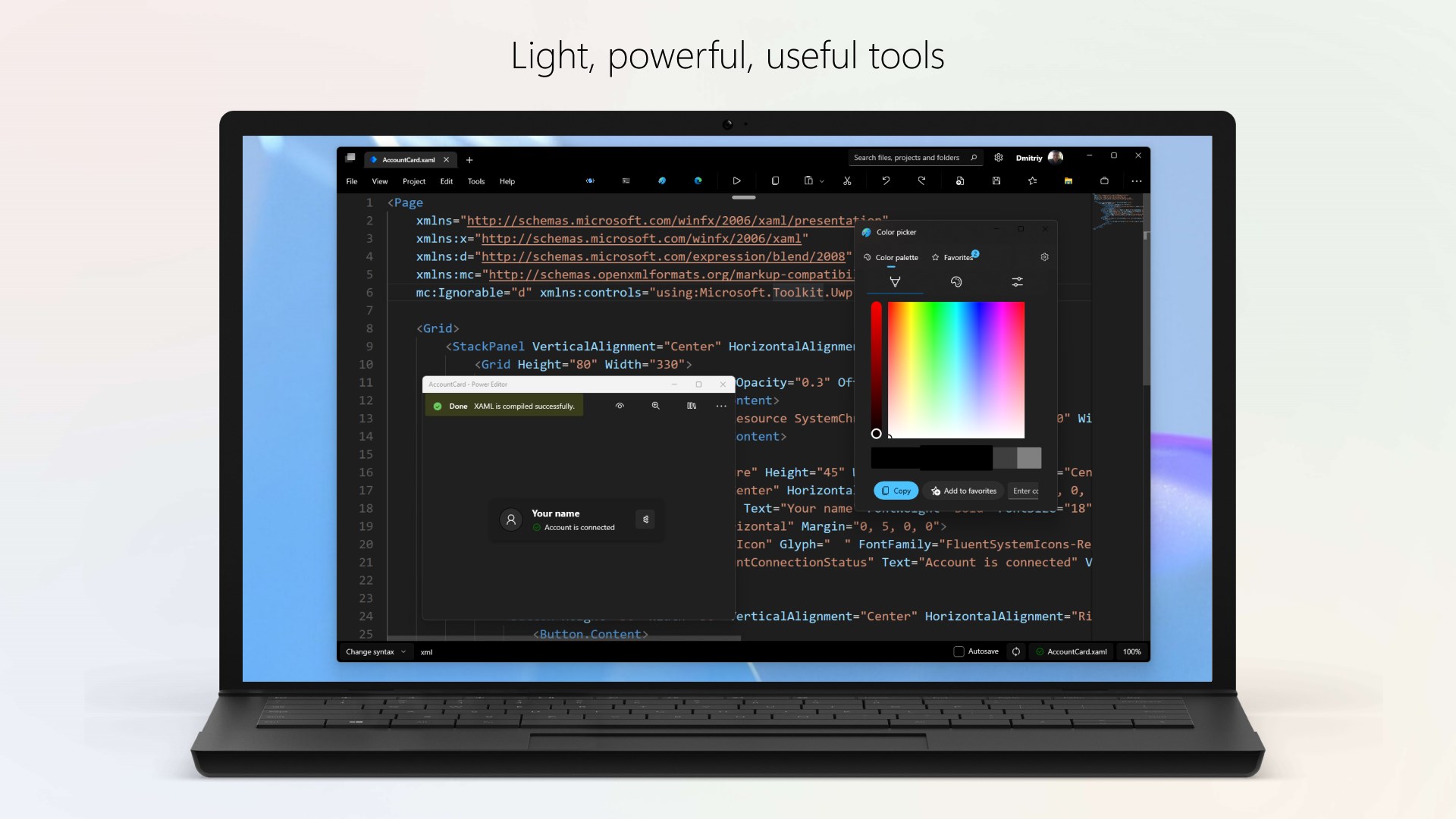
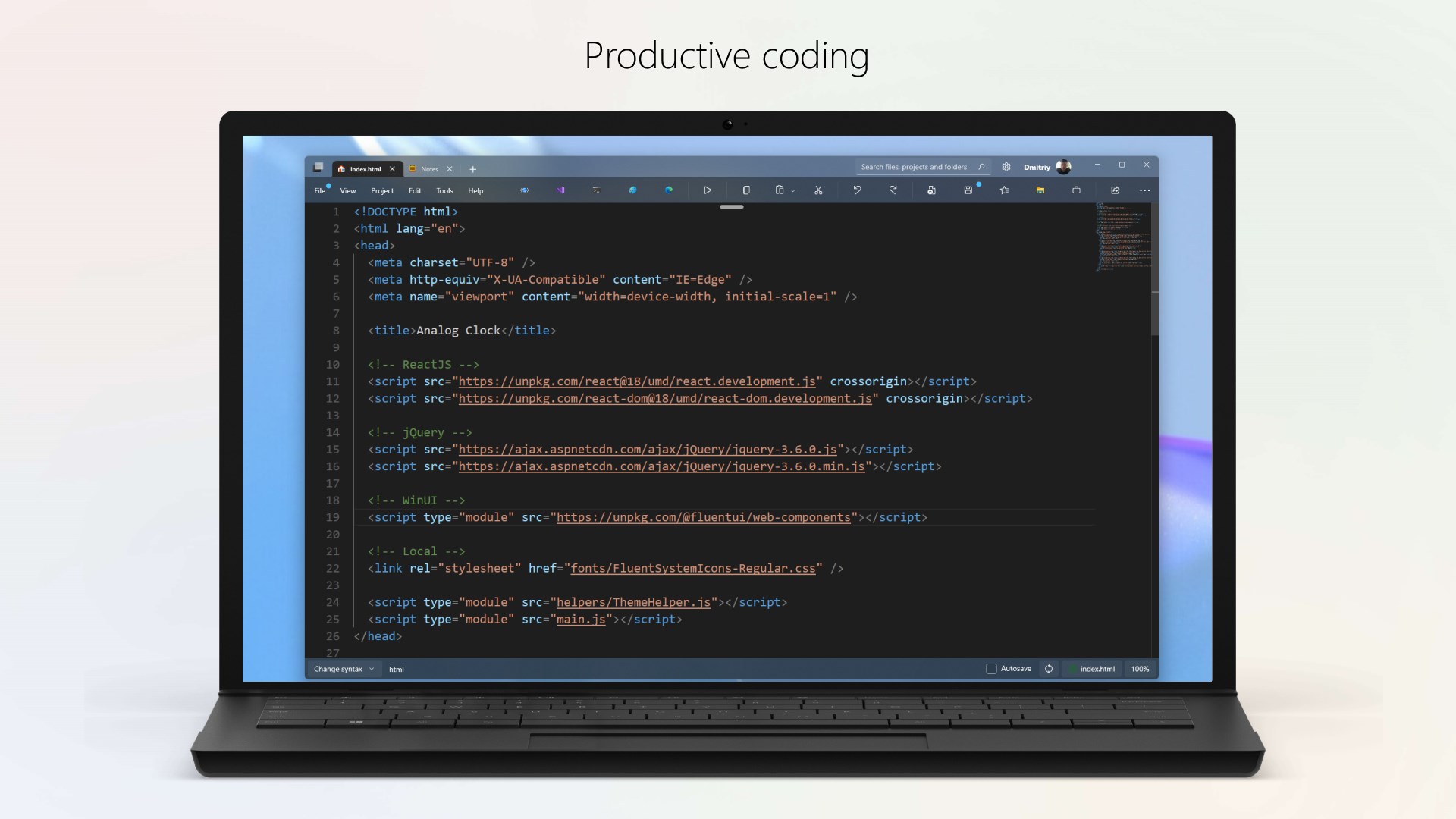
Finding a reliable utility that balances speed with functionality is essential for anyone working with code or plain text. The Power Editor text & code editor is designed specifically for Windows users who need a modern, responsive environment to draft scripts, edit config files, or organize structured notes. Developed by Dmitriy Borodiy, this lightweight tool offers an alternative to bloated IDEs, focusing instead on streamlined performance and user comfort.
Key Features of the Power Editor Text & Code Editor
Whether you are tweaking a configuration script or writing long-form documentation, the application provides several integrated features designed to optimize your workflow:
- Multi-Device Optimization: Built specifically for the Windows platform, ensuring smooth performance across various desktop and portable devices.
- Modern User Interface: A clean, distraction-free visual layout that helps users focus entirely on their syntax and prose.
- Enhanced Text Manipulation: Practical editing tools that make navigating, selecting, and modifying lines of code highly intuitive.
Who Benefits Most From This Editor?
The Power Editor text & code editor is highly beneficial for web developers, system administrators, and content creators who frequently work on Windows devices. If you find standard default text editors too basic, but full-scale development environments too resource-heavy, this software fits perfectly in the middle. It is particularly suited for quick edits, code reviews, and distraction-free writing sessions where load times and responsiveness are critical.
The Verdict: A Reliable Utility for Your Windows Toolkit
With its modern interface and emphasis on typing comfort, this tool successfully bridges the gap between simplicity and utility. It provides a clean canvas that adapts well to various text-based tasks without demanding steep learning curves or complex setups.
If you are looking to upgrade your daily writing and coding workflow on Windows, you can learn more and purchase the application directly on the official Microsoft Store page.
Rate the App
User Reviews
Other Apps in This Category



Popular Apps










Editor's Choice